Once you have checked everything, done your event preview, you are ready to open your event (see Event status) and publish it.
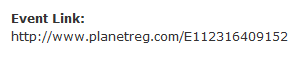
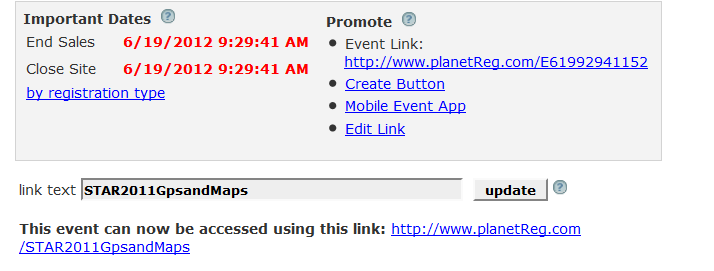
You can publish in an email or on your own web site. The Event Home page displays the URL for your event:
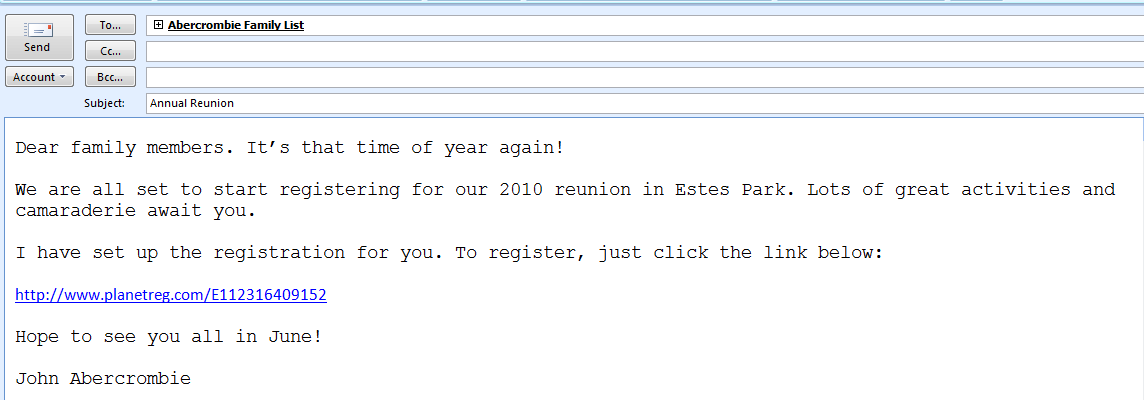
To publish in an email, you can just copy the link:
To publish on your web site, you can just copy the link and post on a web page, or you can copy this little HTML snippit which will display as an underlined link on your web page:
When an attendee prospect clicks this link, the registration screen will be displayed in a new window.
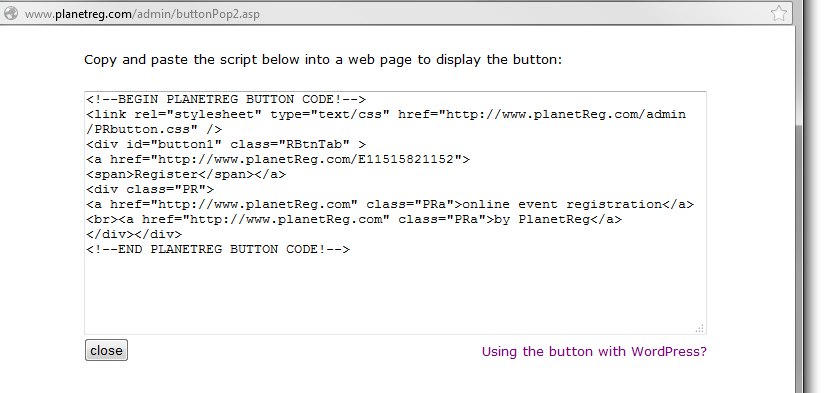
You may also use the Create Button link to produce html code for your web site:
If you would like a personalized link for your event, click the Edit Link option and you can enter your own event description. This personalized link must be unique throughout our system, so it is a good idea to make sure your link is individualized. If you use the same link from year to year, you must erase previous usage before re-using it.
You may use spaces in the link as well as some special characters: .~- !@$^&*()[]?=
So that link could be STAR 2011 Gps and Maps
End
You may change the Link Text to anything you wish. Whatever you key will be displayed on the face of the button.
When you click next, you will be presented with this panel:
The displayed text should be copied and pasted into your web application.
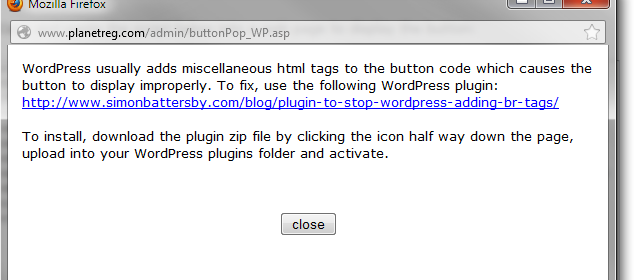
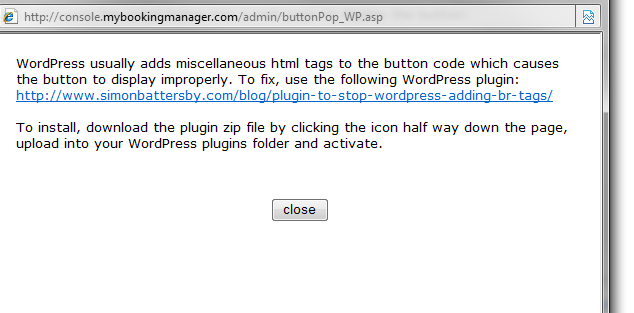
If your web site is built using WordPress, there is a special plug in you will need for this button to display properly: