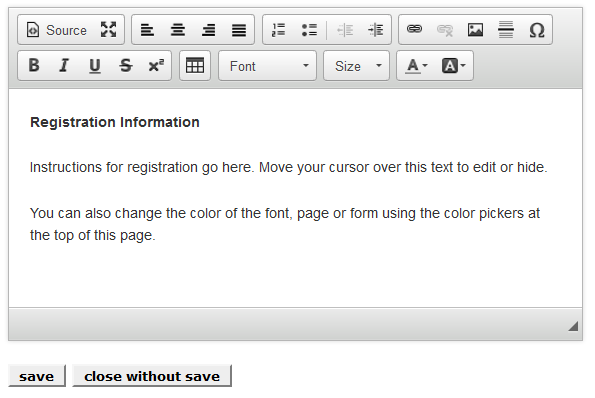
You will want to clearly explain your event to potential attendees. You can use the Registration Information area to do this. When you first see the opening page, this area is filled with a dummy paragraph:
When you click the Edit button you will be shown a screen that allows you to replace the dummy text with your own data:
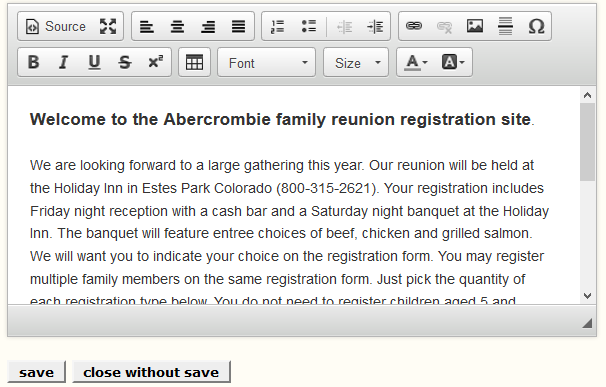
You need to erase the dummy text and insert your own:
When you are done with your text, just click the save button and the text will appear on your form.